Interactive Presentations
Fable 5.2
3D Science Explainer
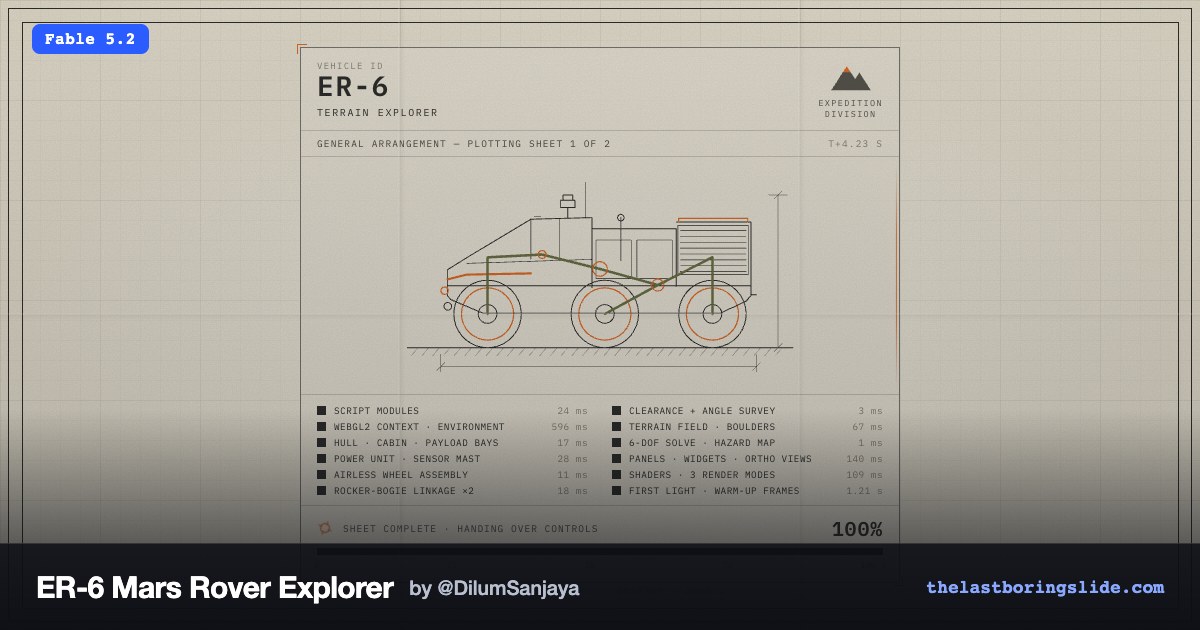
ER-6 Mars Rover Explorer
Featured by @claudeai: NASA rocker-bogie Mars rover physics & autonomous terrain explorer.
48 hands-on 3D circuit bench lessons in 13 languages — 645K views viral hit.
Click to launch the interactive experience inside this stage
If your mobile device or browser struggles with WebGL2, you can open the demo in a dedicated tab or visit the creator's original site.
With over 645K views and 7.2K likes on X, Dilum Sanjaya (@DilumSanjaya)'s Electronics 101 shows how AI-built interactive presentations can transform STEM education. Flip real switches, swap resistors and capacitors, inspect live current flow, and work through 48 beginner-friendly 3D lessons — with or without a breadboard.
Powered by Three.js procedural 3D electronic component geometry coupled with an in-browser real-time circuit simulator, synchronized schematic diagrams, and multilingual lesson content — all running purely client-side.
| Architecture | Three.js 3D Lab Bench · Real-Time Circuit Solver · 48 Lessons · 13 Languages |
|---|---|
| Controls | Toggle switches, swap resistors/capacitors & orbit the 3D circuit bench · 48 lessons · 13 languages |
| Footprint | Pure frontend WebGL2 bundle |
| Model | Opus 5.5 |
| License | Original Creator Demo |
Build a beginner-friendly interactive 3D electronics learning app with 48 progressive lessons: render real-time 3D components on a workbench (with optional breadboard mode), let learners flip switches and adjust resistance/voltage while watching live current flow, charts, and equations.Featured by @claudeai: NASA rocker-bogie Mars rover physics & autonomous terrain explorer.

Hands-on 10-minute interactive math course & short film — companion to Chapter 5.

Wharton prof Ethan Mollick asked Claude to solve the Fermi Paradox with public data.